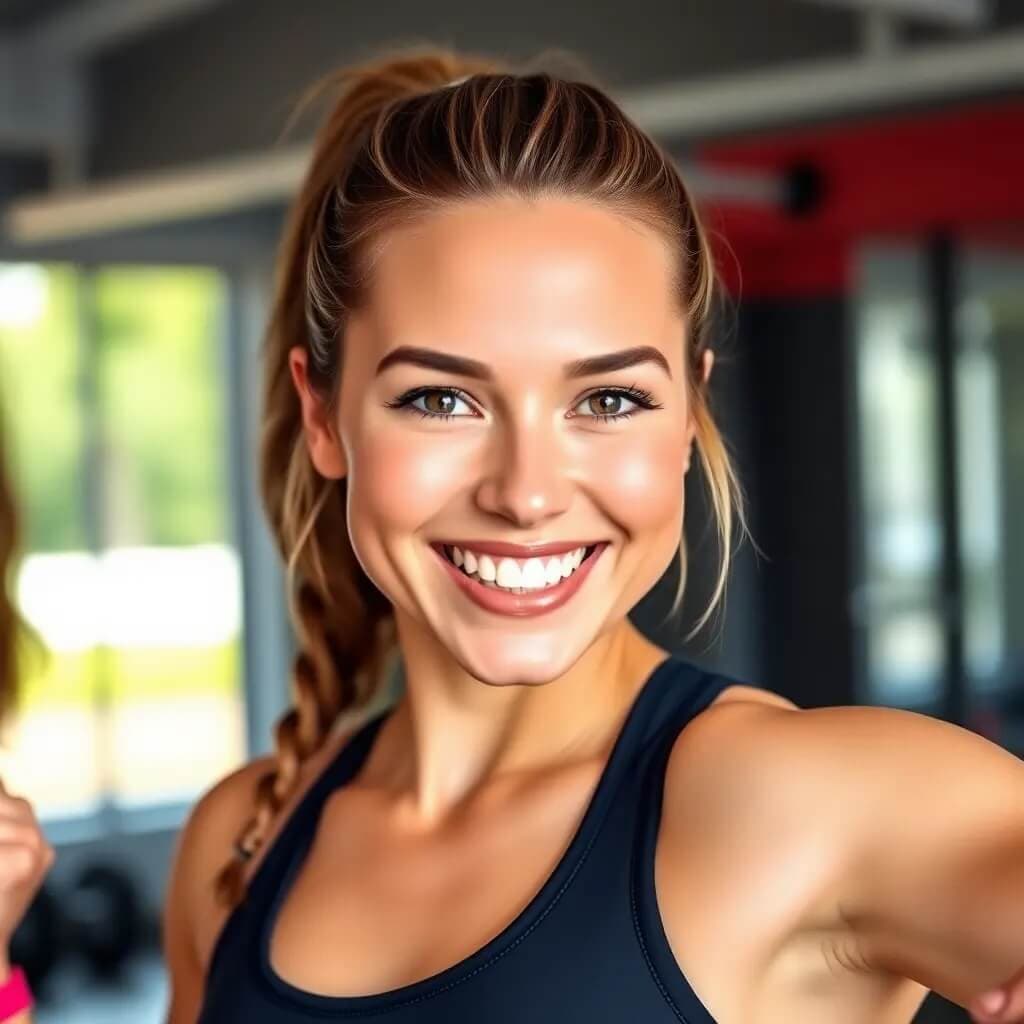
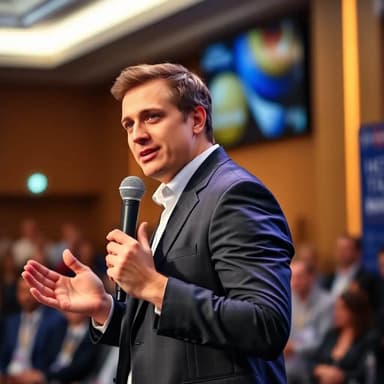
Professional Headshots for Academic Jobs and Faculty Profiles
Create a credible, approachable portrait for faculty pages, research profiles, conference bios, and academic job searches.

Academic or Researcher Excellence
Create a scholarly portrait for a university or research profile. Use a chest-up three-quarter composition, understated professional clothing, a thoughtful composed expression, soft window light, and an authentic library or research workspace in gentle focus. Keep books and papers secondary, with no readable titles, formulas, institution marks, or staged props.
Convey scholarly authority with an academic or researcher portrait from HeadShots.fun AI. Our technology highlights your intellectual pursuits and expertise, ideal for university faculty pages, research publications, conference speaker bios, and academic social networks.
Key Advantages of Our AI Headshot Generator for Academic or Researcher
- AI Headshots Tailored for Academic or Researcher Professionals
- High-Quality AI-Generated Headshots
- Versatile AI Portraits for Digital and Print
- Instant AI Headshot Creation in 30 Seconds
- Cost-Effective AI Headshot Solution
What should a professional headshot for an academic job look like?
It should make you easy to recognize and feel appropriate for your discipline: a recent likeness, direct eye contact, a natural expression, restrained clothing, and a simple background. Avoid theatrical props or aggressive retouching. For example, a lecturer might choose a softly lit office background, while a lab researcher may prefer a neutral crop that stays legible on a small staff card.
A headshot is useful for faculty profiles and personal academic sites, but do not attach one to a job application unless the institution requests it or local hiring practice expects it. The Oxford University Careers Service recommends checking country-specific conventions before applying.
One headshot for every academic profile
Academic portraits appear in more places than a faculty directory. The strongest image is recognizable, current, and flexible enough to work across research, teaching, speaking, and hiring contexts.
Faculty and department pages
Use a consistent, professional portrait for university directories, faculty biographies, lab pages, and teaching profiles.
Research and conference profiles
Prepare a clear image for conference programs, speaker biographies, ORCID, Google Scholar, grant portals, and professional associations.
Academic CVs and job applications
Create a polished portrait for markets and institutions where including a photo is appropriate. Always follow local hiring norms and application requirements.
Prepare source photos that still look like you
A professional result starts with an accurate source image. The generator can change lighting, background, and presentation, but it should not replace the details that colleagues and students use to recognize you.
For institutional use, favor a natural expression and conservative edit. Treat the generated image as a draft: inspect it closely and choose another result if your likeness, clothing, or accessories do not look right.
For a plain staff-directory crop, compare the ID headshot style. If the portrait is part of a broader job search, use our resume headshot guide to check whether a photo is appropriate in your market.
- Upload clear, recent selfies with your full face visible.
- Use soft, even light and avoid heavy filters or portrait effects.
- Choose a neutral or understated background that does not distract.
- Wear clothing that feels credible for your discipline and role.
- Review facial details, glasses, hair, and clothing before publishing.
Academic headshot questions
What makes an academic headshot different from a corporate headshot?
An academic headshot should look credible and approachable without feeling overly staged. Neutral backgrounds, natural expressions, and restrained styling work well for faculty directories, lab websites, conference programs, and research profiles.
Can I use the result on a university or research profile?
Yes, provided it accurately represents you and meets your institution's image policy. Review the final image carefully before uploading it to a faculty page, ORCID profile, Google Scholar profile, conference bio, or academic CV.
Should I include a headshot with an academic job application?
Only when the institution requests one or a photo is customary in that country and discipline. In the United States, a photo is normally omitted from a resume; conventions vary elsewhere. You can still use the same portrait on a faculty profile, conference bio, or personal research website.
What photos should I upload?
Use clear, front-facing photos taken in even light. Keep your face unobstructed, avoid strong filters, and include more than one angle when possible. Better source photos produce a more reliable likeness.
What should I wear for an academic headshot?
Choose clothing that matches your field and the setting where the portrait will appear. A simple shirt, blouse, jacket, or knit layer usually works better than busy patterns or highly formal styling that does not reflect your day-to-day role.
How quickly will my academic headshot be ready?
Most images are generated in about 30 seconds. You can review the result, try another style if needed, and download the image you want to use.
Create AI Headshots in 3 Simple Steps
The fastest AI headshot generator – create stunning, personalized professional headshots for LinkedIn, resumes, and every occasion.
Upload Your Selfies
Upload 1-5 clear selfies or photos showcasing your face in various settings.
Personalize Your Style
Select from diverse styles or create custom prompts for truly unique AI headshots.
Instant AI Magic
Our advanced AI headshot generator creates pro-quality headshots in seconds, ready for any use.