How to Get a Resume Photo with AI
Upload Your Selfies
Upload 1–5 clear selfies in professional or business-casual attire for the best resume photo results.
Pick a Professional Style
Choose from Office, ID Photo, Pro 1, or Pro 2 styles — all designed to look great on resumes and CVs.
Download & Attach
Your AI-generated resume headshot is ready in 30 seconds. Download and add it to your resume.
Why Add an AI Headshot to Your Resume?
Resume conventions vary. Use a photo only when it is customary or requested, and keep the image clear, current, and aligned with the role.
- Use a current, recognizable image where a photo is customary
- Keep the visual presentation consistent across your CV and professional profiles
- Get a consistent, high-quality headshot across your resume and LinkedIn
- Update your resume photo whenever you change jobs or industries
- No need to dress up and find a photographer — generate from home
- Affordable: start at just $2.99 for 3 professional headshots
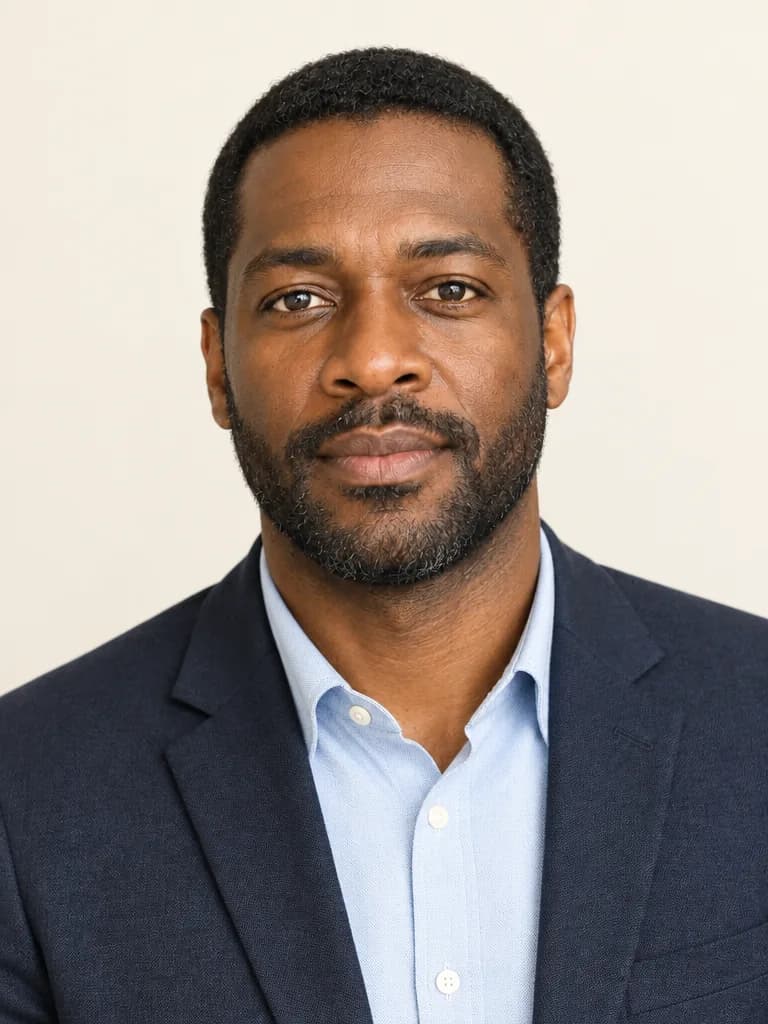
Resume Photo Best Practices
Follow these tips to create the perfect headshot for your resume or CV.
- Upload photos in professional or business-casual attire
- Choose a clean, simple style — Office and ID Photo work best for resumes
- Ensure your face is clearly visible and well-lit in input photos
- Use a neutral or solid-colored background style for a clean look
- Match your resume photo style to your industry (corporate vs creative)

AI Resume Photos vs Traditional Headshots
See why more job seekers are choosing AI for their resume and CV photos.
Traditional Photographer
- ✕Costs $100–$300+ for a single session
- ✕Requires scheduling and travel to a studio
- ✕One look per session — expensive to try different styles
HeadShots.fun AI Generator
- ✓Start with 3 credits for $2.99, without arranging an appointment
- ✓Create from home in 30 seconds — no appointment needed
- ✓Try multiple professional styles to find your best look
Resume AI Headshot FAQ
Should I include a photo on my resume?
It depends on the country, employer, and role. In some markets a photo is customary; in others, employers may prefer applications without one to reduce bias. Check the job posting and local norms before adding it.
What's the best style for a resume headshot?
We recommend ID Photo or Office styles for resumes — they're clean, professional, and similar to traditional CV photos. Pro 1 (Dark Bg) also works well for a more modern, corporate look.
What should I wear in my input photos for a resume headshot?
Wear professional or business-casual attire in your selfies. A collared shirt, blouse, or blazer works best. Avoid busy patterns and stick to solid, neutral colors.
How quickly can I get my resume headshot?
Your AI headshot is generated in about 30 seconds. You can download it immediately and add it to your resume or CV.
Can I use the same headshot for LinkedIn and my resume?
Yes! A consistent professional photo across LinkedIn and your resume creates a cohesive personal brand. You can use the same AI headshot on both.
What if I need a different look for a different job application?
With pay-per-headshot pricing, you can easily generate new headshots in different styles for different applications. Try Office for corporate roles or Bookshelf for creative positions.
Get a Professional Resume Photo Now
When a photo belongs on your application, create a clean, current option that works alongside your CV.